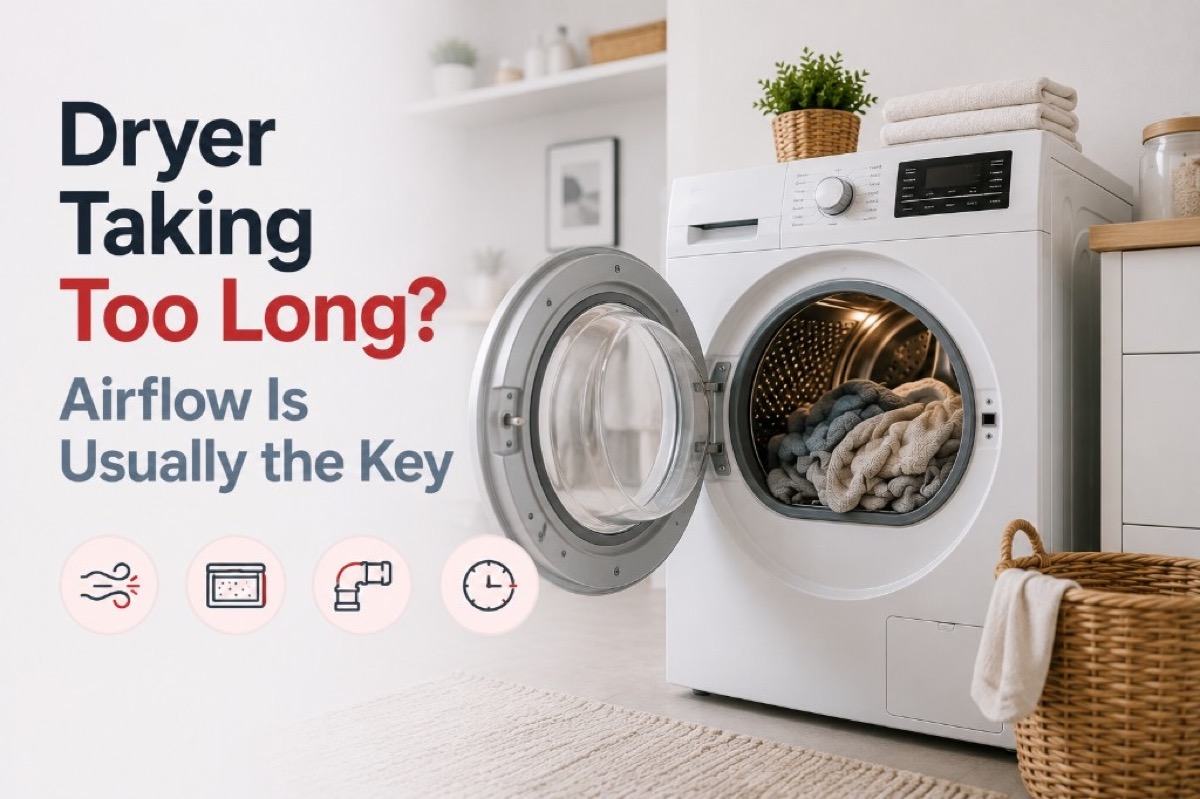
A dryer that takes too long is usually struggling to move moist air out, so check the lint screen, the visible vent hose, and the exterior hood first. Load size and cycle settings can also lengthen cycles, and a restricted vent is a fire hazard, so do not keep running repeated cycles if the vent is blocked.
A Whirlpool dryer taking too long can be frustrating, especially when it interrupts a normal household routine. A symptom alone does not identify a failed part, so start with observations that are safe, repeatable, and useful if you later arrange a Whirlpool service visit.
This guide separates routine care from work that requires testing or disassembly. Do not bypass a lock, safety switch, or error message to keep an appliance running. Taking a few notes now can make the eventual diagnosis faster and more accurate.
Start with the simple conditions
Clean the lint screen, reduce an overloaded drum, and inspect the visible vent hose for crushing or sharp kinks. Make the check with the appliance in its normal position and without forcing panels, fittings, or controls. If the result changes after a simple adjustment, run one normal cycle or operation before drawing a conclusion.
Long cycles, hotter-than-normal laundry, and a weak exterior vent flap all suggest that moist air is not leaving efficiently. Look for a pattern: whether the issue happens every time, only with a particular load or setting, or after the appliance has been running for a while. That distinction is more valuable than repeatedly restarting the appliance.
| Symptom |
Likely cause |
Safe check |
| Two cycles needed |
Lint restriction |
Clean screen |
| Hot clothes |
Vent restriction |
Inspect visible hose |
| No heat |
Internal component |
Stop and book service |
How the vent system sets dry time
Whirlpool’s support pages describe the vent as the path that carries hot, wet air out of the house. Rigid or flexible metal vent about 4 inches in diameter is recommended, while foil and plastic are not, because they can collapse or crush. The vent should be as short and straight as possible, and no longer than the run lengths in the Vent System Chart for the specific model.
The exhaust hood outside should sit at least 12 inches above the ground or any obstruction, and nests or debris should be cleared from it. Whirlpool lists lint buildup, nesting birds or rodents, and bends or kinks from poor installation among causes of blockage. Elbow and length limits vary by model, so use the installation instructions rather than a general rule.
Safe checks that protect the appliance
Consult the use-and-care manual for model-specific controls, filter access, and maintenance intervals. Clean only parts described as user-serviceable, use the recommended cleaning products, and refit every removable part exactly as it was designed to sit.
Before trying another cycle, clear obstructions, reduce an unusually heavy load, and make sure airflow, water supply, or door clearance is not being restricted. Avoid repeated resets: they can hide an intermittent fault and may leave water, heat, or pressure where it should not be.
- Record any displayed message or error code before clearing it.
- Check visible hoses, vents, seals, and plugs without moving electrical connections.
- Use one controlled test rather than several back-to-back attempts.
Safe to try
- Clean filter every load
- Leave room for tumbling
- Check exterior flap
Leave to a technician
- Open heater housing
- Operate with a disconnected vent
- Ignore a burning smell
Settings and screen habits that lengthen cycles
Some dryers have an ECOBOOST setting that is on by default for Regular or Normal cycles. Whirlpool says it uses slightly lower heat and adds about 40 minutes, and a touch of the ECOBOOST control turns it off. A long cycle on that setting is by design, not a fault.
Whirlpool also recommends an automatic cycle for best performance, and a lint screen cleaned after every load. Fabric-softener residue can leave an invisible film on the screen, so an occasional wash with warm water, as the manual describes, helps even when no lint is visible.
Know when the symptom needs diagnosis
If the basic checks do not change the symptom, stop at the user-serviceable boundary. Internal wiring, heating circuits, pumps, motors, refrigerant lines, gas connections, and control boards need the correct test equipment and a technician who can verify the repair safely.
Arrange service promptly when performance is getting worse, the appliance trips a breaker, leaks near electrical parts, smells hot or burnt, makes a new grinding noise, or cannot complete a normal cycle. Do not continue operating an appliance that gives a safety warning.
Signs the vent is restricted
Whirlpool lists symptoms of a restricted vent: longer dry times, a dryer exterior that feels very warm, moisture inside the dryer or on the display or floor, little lint on the screen, and weak airflow at the lint area when the dryer runs on Air Fluff with the screen removed. Some dryers display AF, Check Vent, or F4E3 for restricted airflow.
That message does not stop the dryer, and a touch of any key clears it, but the cause remains until the vent is cleared. A page for one Whirlpool model suggests running a heated cycle empty for five minutes and feeling for heat and airflow, which separates a venting complaint from a no-heat complaint.
What to tell the technician
Share the model number, the exact symptom, when it began, what settings were selected, and the results of the safe checks above. A photo of a code or a short description of the sound can also help, but never remove a cover to obtain it.
Dryer airflow questions
How often should the dryer vent be cleaned?
One Whirlpool page says the vent to the outside should be cleaned every one to two years, or sooner when drying performance drops. Homes with long or bent runs may need it sooner, and the manual for your model has the final word.
What does Check Vent or AF mean on a Whirlpool dryer?
On models that show it, it means airflow is restricted, for example by a clogged lint screen or vent, a crushed or kinked vent, or too many turns. Clear the cause, and if the message returns, book a diagnosis.
Does a long cycle always mean something is broken?
No. Large loads, ECOBOOST, and wet laundry from a washer that is not spinning well can all stretch a cycle. Check those before suspecting the dryer.
Careful observation is not a substitute for repair, but it is the best first step. Address the simple conditions, preserve any useful error information, and leave electrical, gas, sealed-system, and internal mechanical work to a Whirlpool technician.